
andrewander
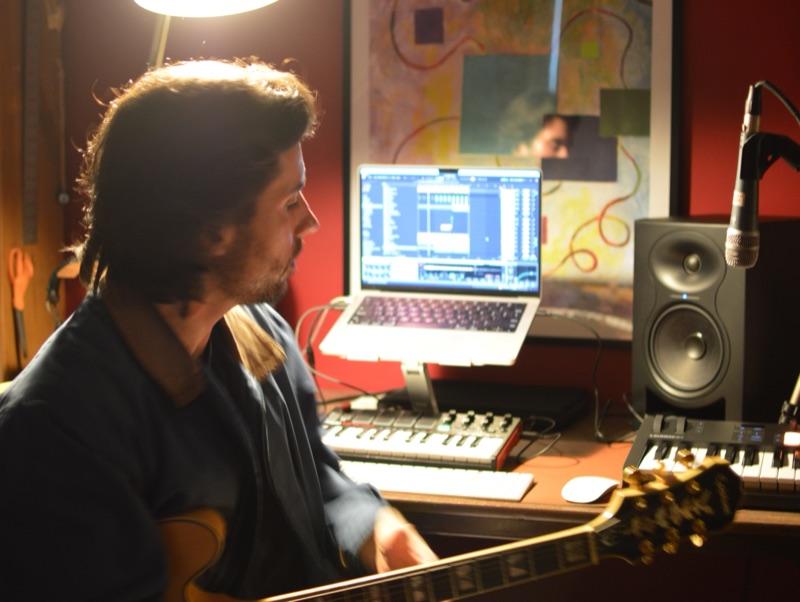
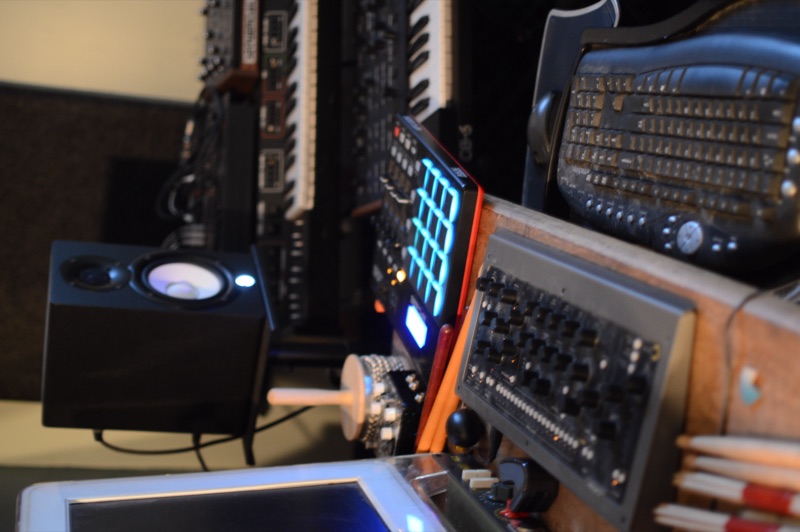
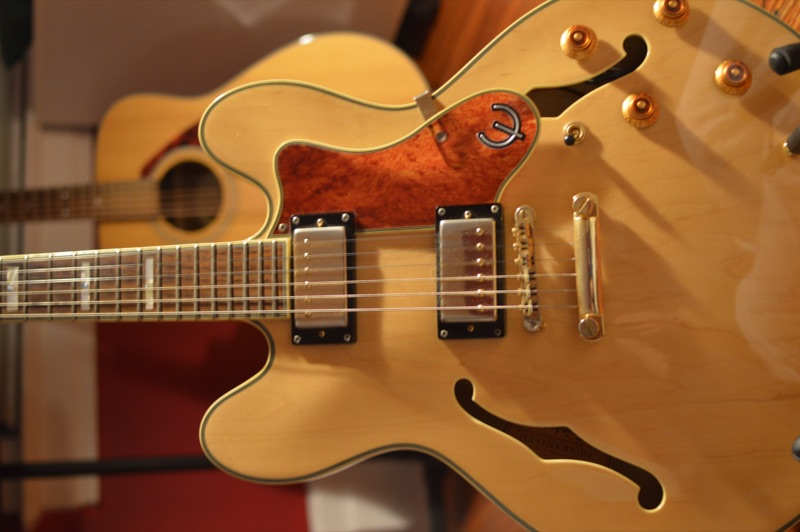
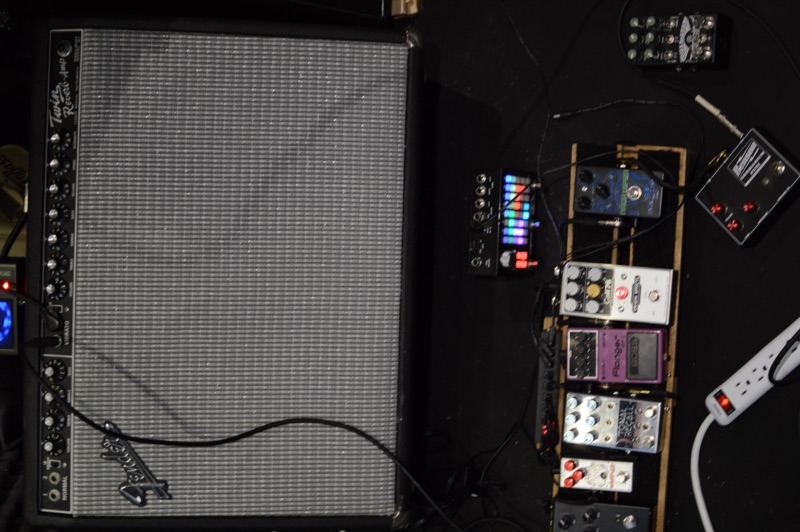
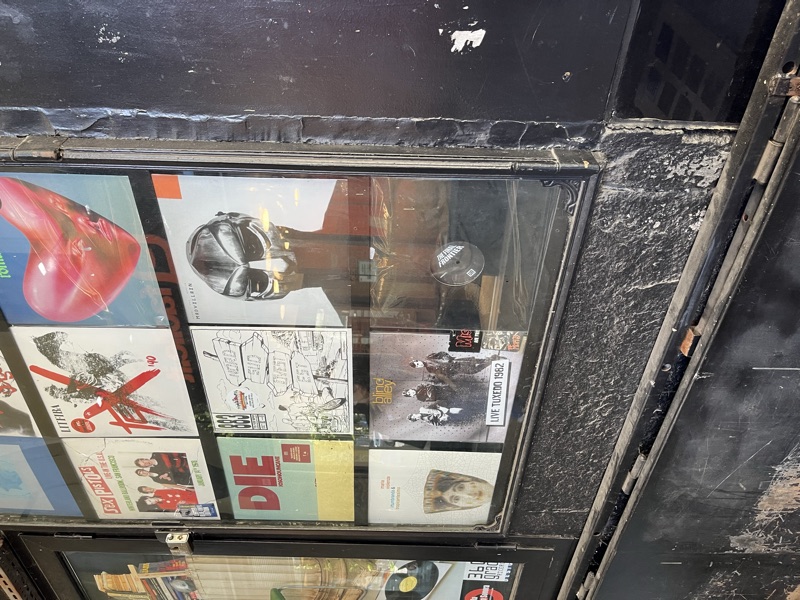
Wander Foster is the beat making alias under which I've built a modest catalog of instrumental hip-hop, soul, and left-field sounds, one meandering tape at a time.
Beat making resonated with me early. I hopscotched from one place to another as a kid and as an adult, little stints here and there, constant motion, so the genre made sense intuitively: the contours of an idea headed towards a shape without ever fully arriving.
Check out some jams below.
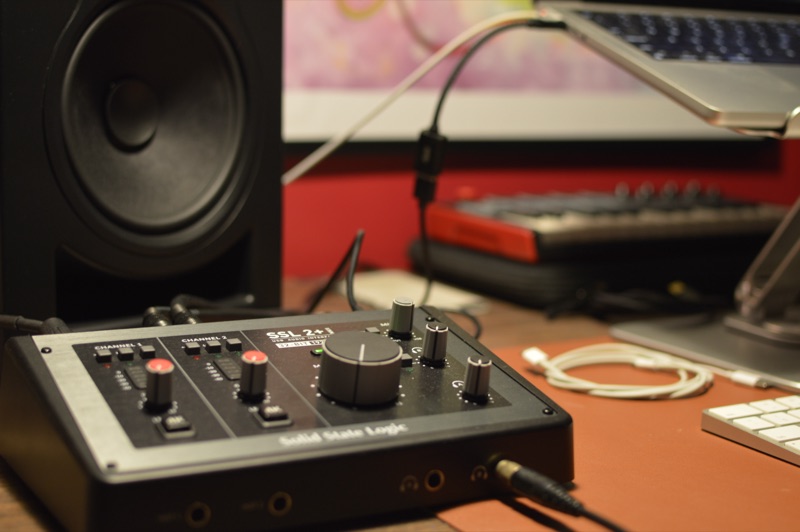
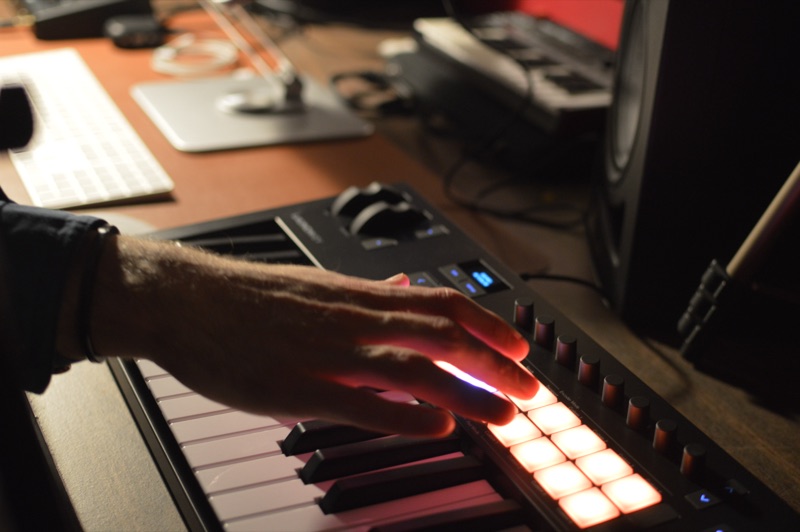
I got deep into Claude Code during the mad rush around Jan/Feb 2026. Suddenly I lived in the terminal; Visual Studio Code, Codex, and GitHub repos filled every spare moment. Creative ideas had wandered around with me for years, but suddenly I had the tools to bring them to life.
The whole thing stank of anti-human but I got hooked. Most of the fun is in learning to wield the tools. The outcomes are irrelevant in a way. The tinkering is the true payoff.
I've got a growing list of little projects spun up on the wings of vibe coding agents. Check out some web experiments, music tools, and a few desktop apps below.
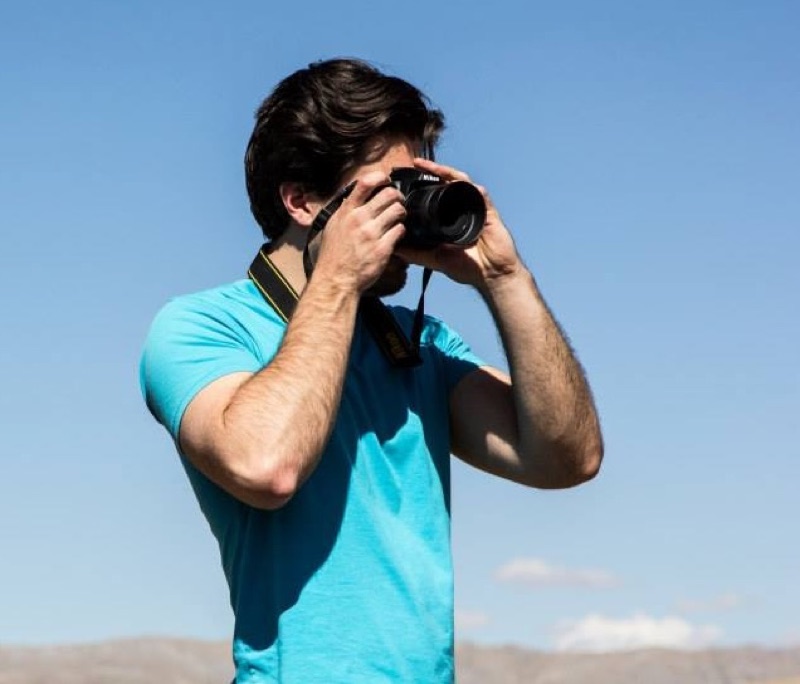
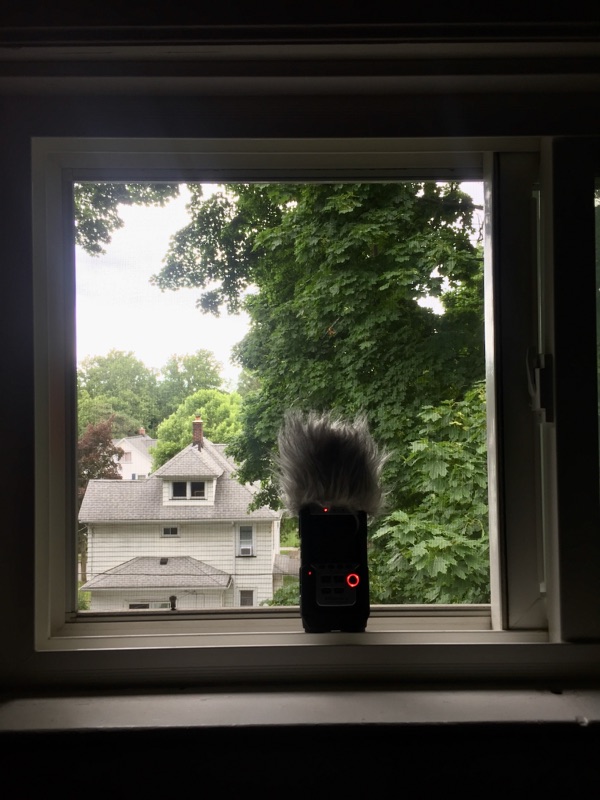
In graduate school I got into face-to-face interaction and conversation analysis, which led me to do fun work with athletes, sometimes in extreme environments.
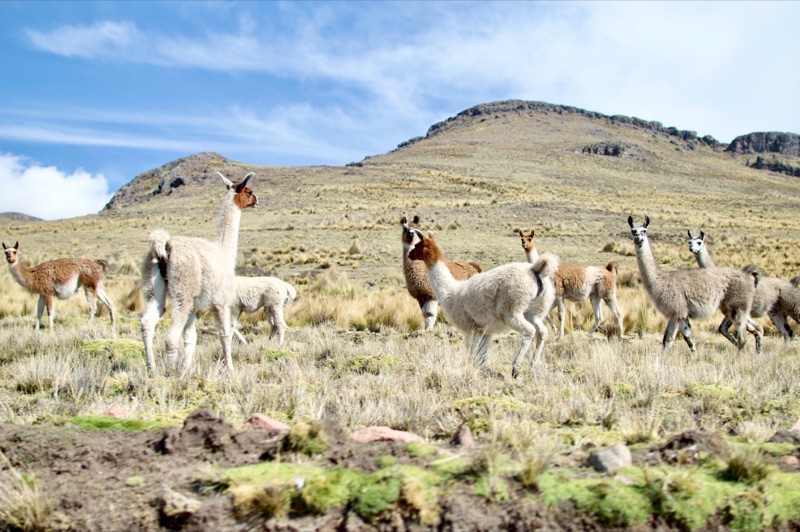
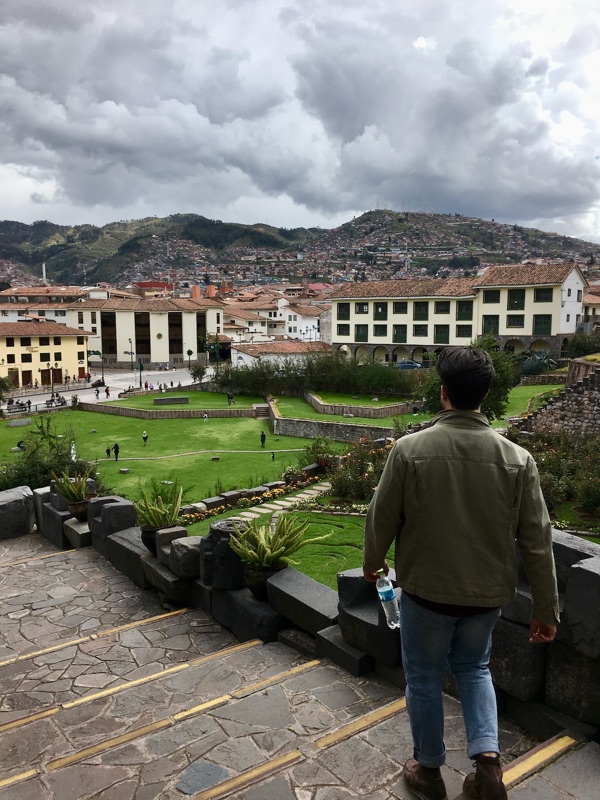
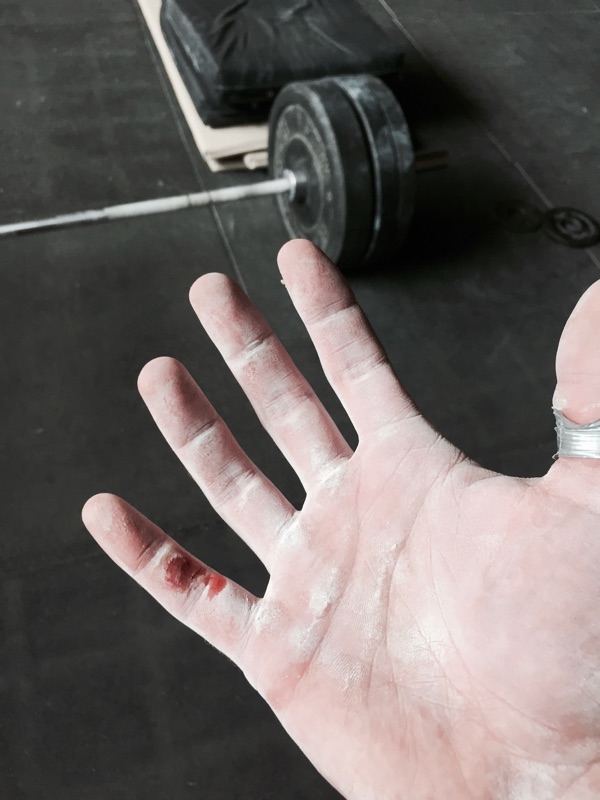
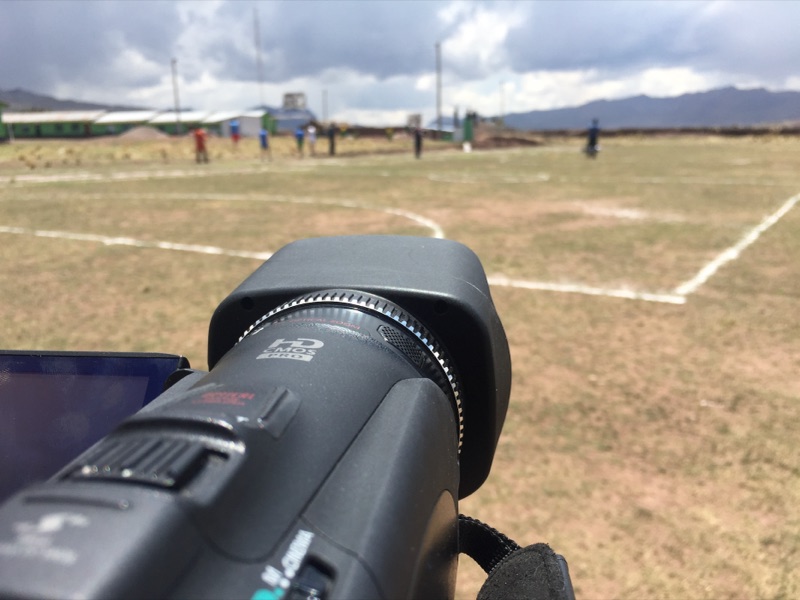
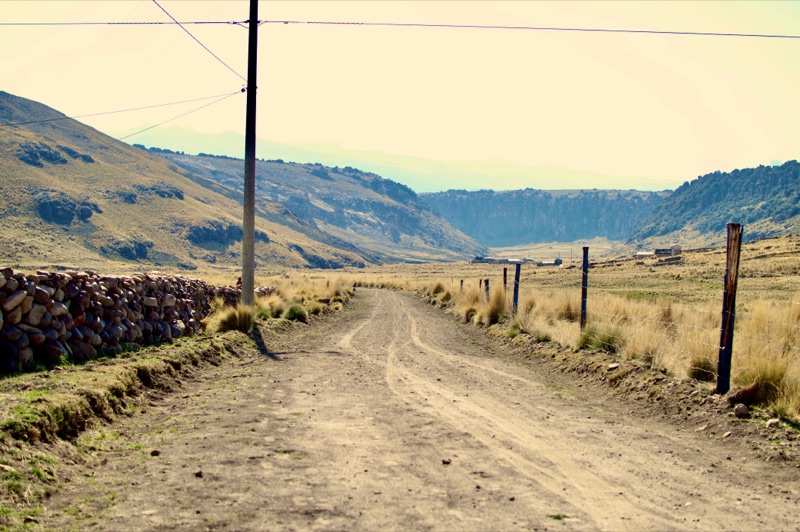
I did ethnography with high-altitude long-distance runners in the Andes Mountains, huffing thin air at up to five thousand meters above sea level. Then I did videographic analyses with youth Olympic weightlifters at sea-level, and even competed to understand the heat of competition myself.
Now I do UX research on global projects and regularly immerse myself in local environments to see how people grapple with new technologies. Not exactly the same ambling through hypoxic environments and ballistic weight training, but dynamic in its own way.
Some fun papers and thought experiments from my past and current lives are below.

My beat library had become a graveyard.
I made BeatCrate to bring it back to life.
In periods of higher productivity I find myself adhering to a beat-a-day cadence. Things accumulate fast: sketches, half-finished ideas, tracks that don't fit an album but feel too good to delete. After a while my folders start to collapse under their own weight. My workflow was uninspired: open Finder, navigate through subfolders, click a file, wait for Quick Look, listen to 30 seconds, close it, try another.

I made BeatCrate to treat beats as living artifacts as well as files to be managed. The interface is organized around crates instead of folders. Each has a visual identity. You can see your whole library at a glance, and the home view keeps recent activity top of mind. It's a way to quickly browse the sounds you've been kicking around, find inspiration, route back to ideas that might spark fuller compositions. And it's fun, digging around a soundscape of your own making.


In BeatCrate, every track has a notes panel to write down what you're hearing, what's missing, what to bring back to the next session. Those notes travel; I made a companion plugin — VST3 and AU, so it's DAW-agnostic — that surfaces them directly inside the corresponding project in whatever DAW you're working in.
BeatCrate indexes your whole library too. When the app ingests your root folder it finds the ebbs and flows of your creative output over time. Bursts, gaps, quiet months, prolific ones, all showcased for you to ponder.

Project ideas and notes can scatter across apps.
I made Surfacer to pull them onto one surface and follow me across my OS.
When I got into vibe coding, ideas about new things to try out or tweak would come to me from left and right, but I'd scramble to record them fresh. I had running lists of project notes and to-dos in Apple Notes mostly, but that was cumbersome. Eventually I crammed all of them into a single note wedged between others: my grocery list, a shared list of songs a friend and I were preparing for a gig, my workout note...


With Surfacer I put the whole spread of vibe coding related stuff on a single board. Every project gets a card. I can mark status, tag by type, pin a high-level description, and filter if I need to. It holds the shape of what I'm working on, helps the ideas percolate and...surface.
I made a scroll view and a bulletin view. In bulletin view you can click a project to open in place, a glass-tinted modal with columns of cards: things you're doing, thinking about, things to come back to. Tags travel with cards. Drag works everywhere. When I need room I can expand the modal full-frame. Often, I'll juggle multiple projects at once from the scroll view instead, which keeps all cards open and side by side.


Surfacer is integrated into my workflow. A small icon in the menu bar opens a popover from anywhere where I can add a card or jump back into a project in the full app quickly. And anytime I take a screenshot, a Surfacer window pops up to route it into the right project as a card if I need.


Facebook sucks. But birthday reminders are helpful.
I made Annum to keep them.
I deleted my Facebook account but wanted the birthday reminders. Annum is a little Mac app that holds the ones I care about.
Annum doesn't mirror contacts or scrape a network, you build the list yourself. You can add someone by hand, or open Import and pull in the people you want from Contacts. The list groups itself by date. If you know the person but not the day, you can still add them; they wait in a "Needs a date" section until you fill it in.


The Today view shows who's celebrating, and a desktop widget keeps it glanceable without opening anything. Both roll over at midnight on their own. On days when nobody has a birthday the app stays quiet.
A menu-bar item puts today's birthdays one click away. Annum opens Messages, or falls back to email or a copyable greeting, but it never sends anything for you. Everything lives on-device as plain JSON, photos resized beside it. No account, no cloud, no analytics.


